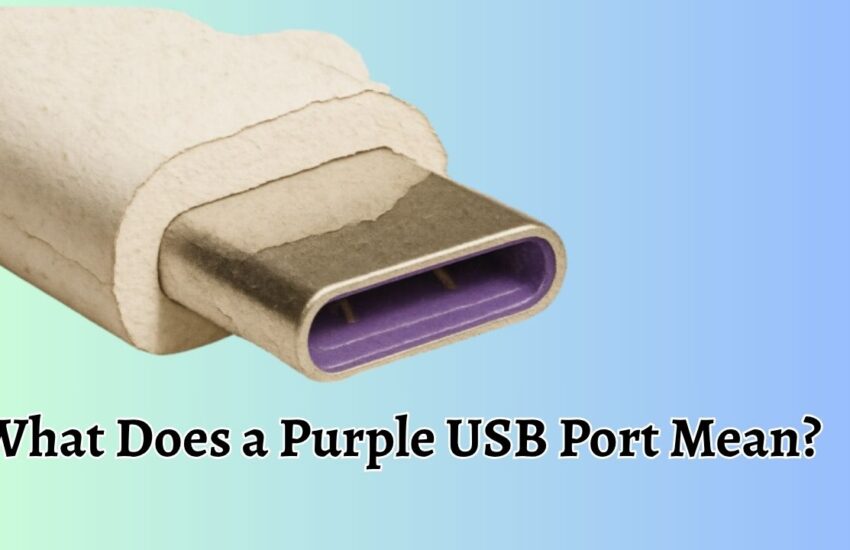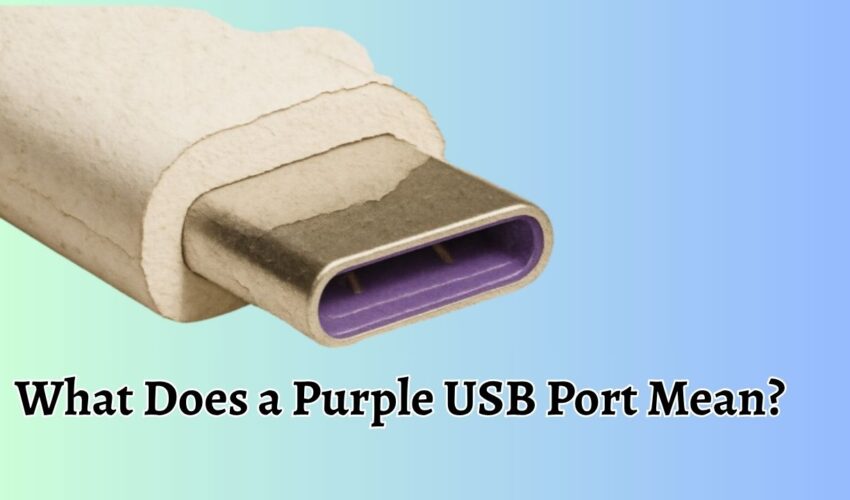
USB ports come in different colors, and each color often indicates a specific function, speed, or feature supported by the
Continue reading








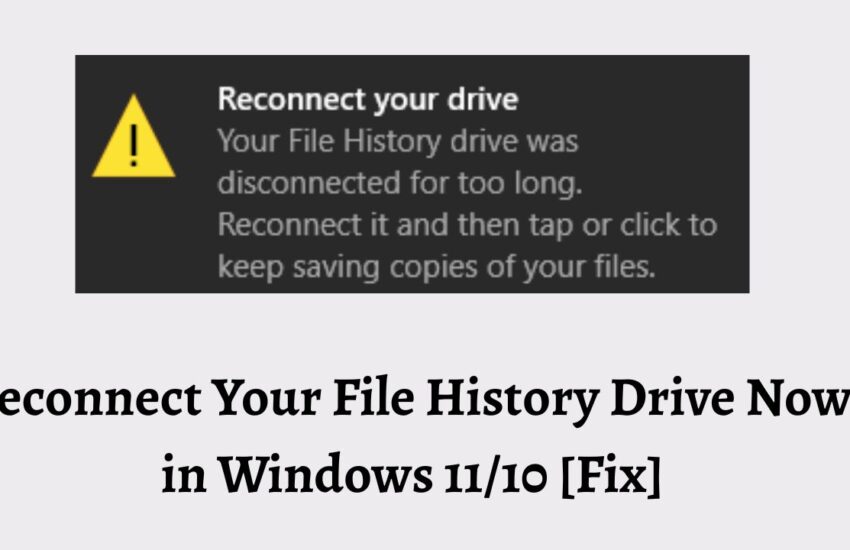
Reconnect Your File History Drive Now in Windows 11/10 [Fix]
File History is a built-in Windows backup feature that automatically saves copies of your personal files, including documents, pictures, videos,
Continue reading
![Cannot Uninstall Microsoft Edge, Uninstall Button is Grayed Out [Fix]](https://cdn-0.tech-tips-now.com/wp-content/uploads/2026/06/Cannot-Uninstall-Microsoft-Edge-Uninstall-Button-is-Grayed-Out-Fix-850x550.jpg)

![Ethernet Doesn't Have a Valid IP Configuration [Fix] (1)](https://cdn-0.tech-tips-now.com/wp-content/uploads/2026/06/Ethernet-Doesnt-Have-a-Valid-IP-Configuration-Fix-1-850x550.jpg)

![USB Speakers with Headphone Jack Not Showing Up in Windows 11 [Fix]](https://cdn-0.tech-tips-now.com/wp-content/uploads/2026/06/USB-Speakers-with-Headphone-Jack-Not-Showing-Up-in-Windows-11-Fix-850x550.jpg)